Note: I began writting this on friday because I knew I wasn't going to be able to post it on saturday, but I couldn't finished it on friday either so I'm posting this on Sunday instead, but all up to wherever I say it was written on friday.
Did you guys saw the Bad Bunny super bowl thing? That was fun, not a fan of Reggeaton but I did like the show and "Lo que le paso a Hawaii" is my new obsession song. Also my parents are visiting me for a week, reason why I'm writting this on Friday night instead of Saturday, but I'm still probably going to upload it tomorrow, I think (I didn't).
Anyway, dev-blog time, this week I worked on moving platforms and spikes, since those are the most basic things I need to do some level design. Right now I have 2 types of moving platforms, the regular "moves following a set pattern" type and the "I start moving when the player steps on me" type. Regarding the spikes they only cause damage right now, next week I'll try making it so when you step on them you get respawned on the last safe position. Also I added a dash to the player's movements.
Now for the details:
For the moving platforms I made the following tileset:
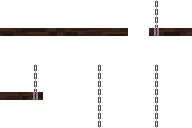
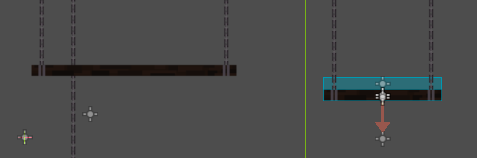
As shown on the second picture this allows for platforms of different width.
As mention previously I also added some spikes, and with spikes I needed a new animation for the witch taking damage, I made this be a single sprite.


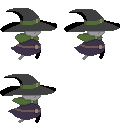
Finally the dash needed some animation too, so I made this simple one:
For the moving platforms I originally tried using a Path2D + PathFollow2D + AnimationPlayer and it worked for the regular moving platform, but didn't work as smoothly with the "reactive" platform and also it had some limitations like:
I couldn't find a workarrownd for neither of the last 2, that's why I moved to a different strategy, instead of using the Path2D I chose to use Marker2D and update the platform position via script. This way the moving platform ends up looking like this:

NOTE: I just notice that the Marker2Ds could be taken out of the packed scene since those are recognized via @export on the code.
The code to move this is:
        @export var durations: Array[float]
        @export var delays: Array[float]
        @export var stops: Array[Marker2D]

        var idx: int = 0

        func _process(_delta: float) -> void:
        	set_process(false)
        	var tree = get_tree()
        	if not tree:
        	  set_process(true)
        	  return
        	await tree.create_timer(delays[idx]).timeout
        	var tween = tree.create_tween()
        	tween.tween_property($AnimatableBody2D, "global_position", stops[idx].global_position, durations[idx])
        	tween.play()
        	await tween.finished
        	idx = (idx+1)%stops.size()
        	set_process(true)
Setting process to false is needed so the thing isn't called on every frame which would produce some buggy behaiviours due to the tween and the await statements, storing the "tree" variable is needed to prevent a bug, since the way I currently change scenes is to get them out of the tree, if this happens while stuck on the first await, then calling gat_tree().create_tween() will trigger an error since get_tree() is now null. Probably should change the way scenes are loaded to prevent this.
Regarding the "reactive" platforms, the tree is the same but with an Area2D under the AnimatableBody2D that's meant to detect when the player is on top of the platform. then the code looks like this:
        func get_progress() -> float:
        	var curr_distance = $StartPos.global_position.distance_to($AnimatableBody2D.global_position)
        	return 1.0 - ((full_distance - curr_distance)/full_distance)


        func _move_up():
        	await get_tree().create_timer(delay).timeout
        	if not _player_is_up:
        		return
        	var tween = get_tree().create_tween()
        	var remaining_duration = duration - (get_progress() * duration)
        	tween.tween_property($AnimatableBody2D, "global_position", $EndPos.global_position, remaining_duration)
        	var signal_or = SignalOr.new()
        	tween.play()
        	await signal_or.setup([tween.finished, $AnimatableBody2D/Area2D.body_exited])
        	tween.stop()


        func _move_down():
        	await get_tree().create_timer(delay).timeout
        	if _player_is_up:
        		return
        	var tween = get_tree().create_tween()
        	var remaining_duration = duration - (1.0 - get_progress()) * duration
        	tween.tween_property($AnimatableBody2D, "global_position", $StartPos.global_position, remaining_duration)
        	var signal_or = SignalOr.new()
        	tween.play()
        	await signal_or.setup([tween.finished, $AnimatableBody2D/Area2D.body_entered])
        	tween.stop()


        func _on_area_2d_body_entered(_body: Node2D) -> void:
        	_player_is_up = true
        	_move_up()


        func _on_area_2d_body_exited(_body: Node2D) -> void:
        	_player_is_up = false
        	_move_down()
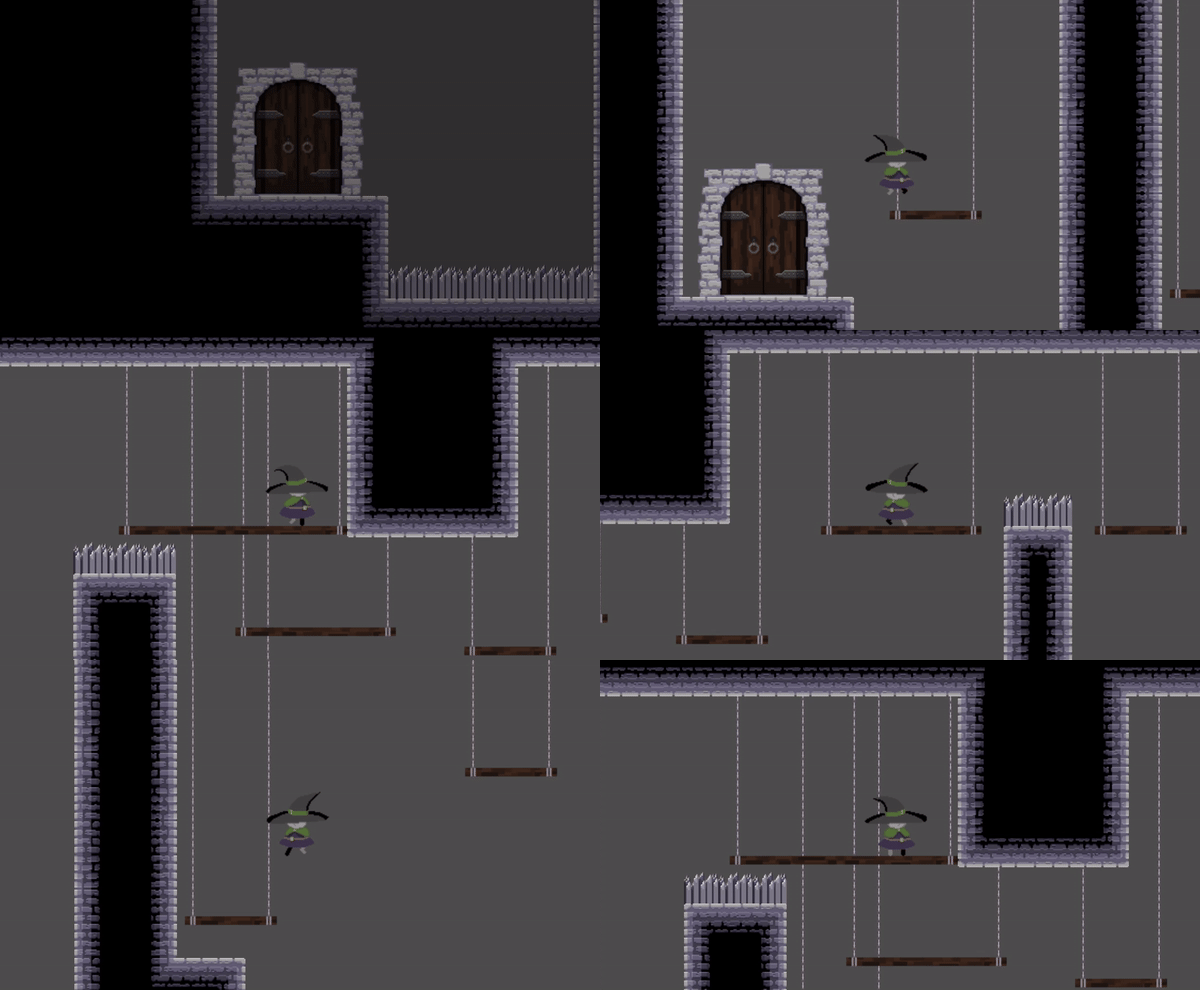
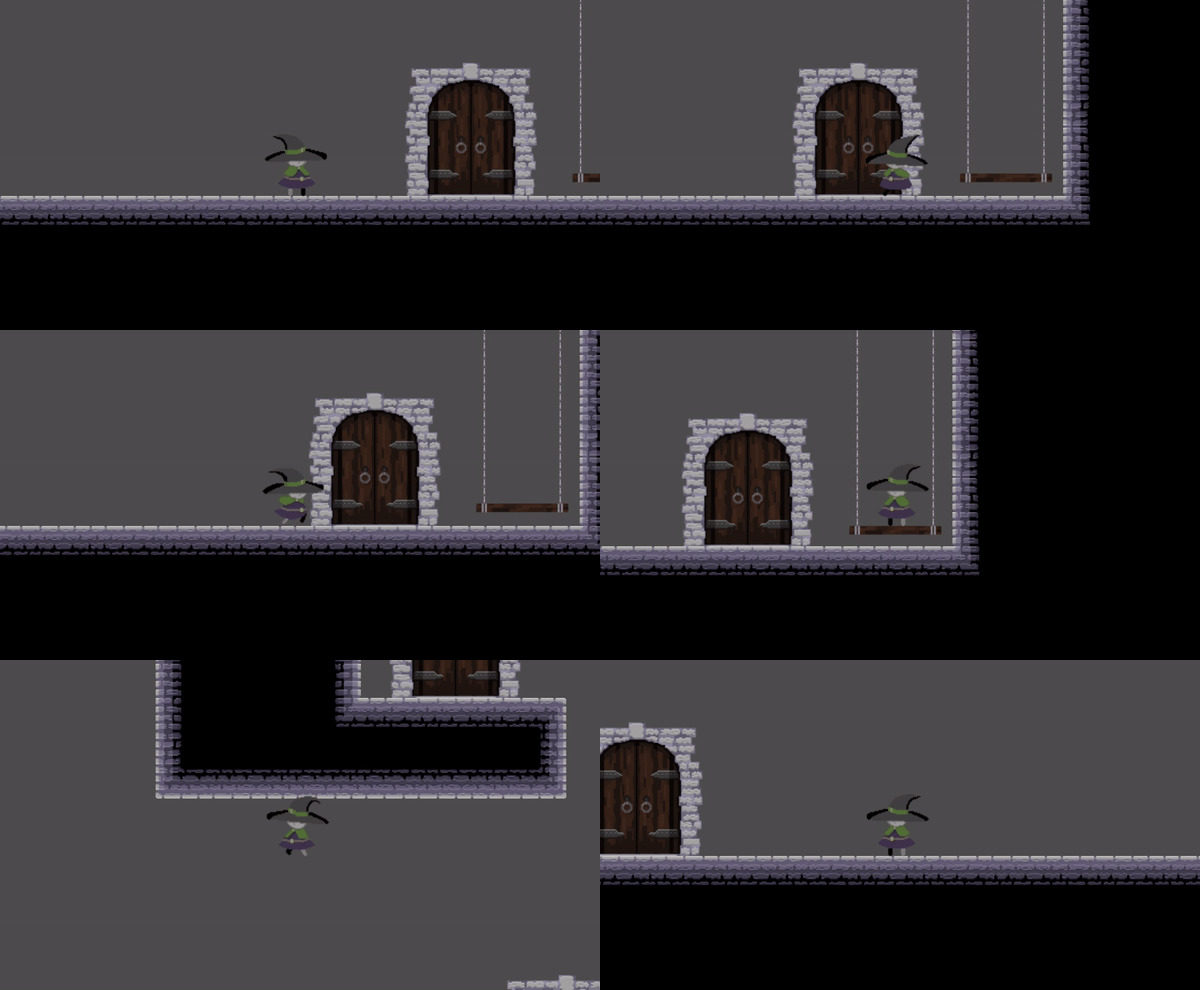
On the gif we can see how both of them work, the "moving platform" is the first one that can be seen, it perpetually moves between 2 positions. The second/third platforms that can be seen moving are the "reactive platforms" which only move to their destination when the player is on top, and return to their origins when the player is not longer on top, there's also a delay that can be used for aesthetics or to allow the player to quickly jump out of the platform before it starts moving.
---- Now it's sunday -----
beacuse some lazy beach didn't finish this on time.
Another thing you can see on the gif and I forgot to mention is that the player can fall down of this platforms by pressing down. There are multiple ways of doing this, I found the one that felt the best to me was to have the platforms be on an specific layer and deactivate collisions with that layer when the button is pressed, but then when do we turn on the collision once again? The easiest is to do it when the button is released, but if you released the button while you are still inside the hit box of a platform that cuold get you stucked inside of it. So instead I made it so it turns back on right before you step on a new platform.
        func _process(_delta: float) -> void:
          if is_on_floor():
        		if Input.is_action_pressed("down"):
        			set_collision_mask_value(3, false)

        func _on_floor_detection_body_entered(body: Node2D) -> void:
        	if body.is_in_group("platform"):
        		set_collision_mask_value(3, true)
Right now I'm using an Area2D because I assumed it would be better to have the code being triggered by a signal isntead of having to check on every frame, but maybe it would be better to switch to a Raycast2D in the future.
Finnally the last thing I did was adding the "dash" to the player's moveset, this seemed simple at first but turned out to be alittle more complicated than anticipated. The move itself is simple, press shift and the player moves horizontally really fast ignoring gravity, the complex bit is regainig the dash. First of all we want it so you can't dash while you're already dashing, also there must be a cooldown between dashes, and you can only recover dashes while on the floor, BUT if we only start to dash cooldown timer once the player touches the floor then this feels to the player as if this particular dash had a longer than usual cooldown, that's not very intuitive, so instead we want the cooldown to run right after you finish a dash, but to only reaload your dashes once you touch the floor.
The solution is to have a "queued dash", when the cooldown finishes you load a dash on the queue, once you touch the ground you load to queued dashes, also this can be used to let the player have a pool of dashes that can be used on rapid succession, you just put more dashes on the queue. I decided to make it so the queue is jujst a boolean tough, so whenever it's true and you're on the floor you regain all your dashes, I figured that made it all more smooth for the player and it's also less prone to bugging.
        func handle_dash() -> void:
        	if has_dash:
        		if remaining_dashes > 0:
        			if Input.is_action_just_pressed("dash"):
        				remaining_dashes -= 1
        				if is_on_wall_only() and velocity.y > 0:
        					last_direction = -last_direction
        				velocity.y = 0
        				velocity.x = DASH_SPEED * last_direction
        				$PlayerBodyAnimation.flip_h = last_direction < 0
        				controls_blocked = true
        				dashing = true
        				$Dash.start()
        		if queued_dashes:
        			if is_on_floor() or is_dragging_on_wall():
        				remaining_dashes = max_dashes
        				queued_dashes = false

        func _on_dash_timeout() -> void:
        	controls_blocked = false
        	dashing = false
        	velocity.x /= 2
        	if not queued_dashes and $DashCooldown.is_stopped():
        		$DashCooldown.start()

        func _on_dash_cooldown_timeout() -> void:
        	queued_dashes = true
And that's all for this week! bye bye <3